
Latest updates from Kari!
This is a major update to Kari. We have re-think the identity of Kari and in the end we came up with:
---)And this update does just that.
We also introduced free & paid tier. Everything you loved about Kari is still available in free tier, but paid tier come with exciting new features such as:
In this update, we introduced a few new features and bugfixes:
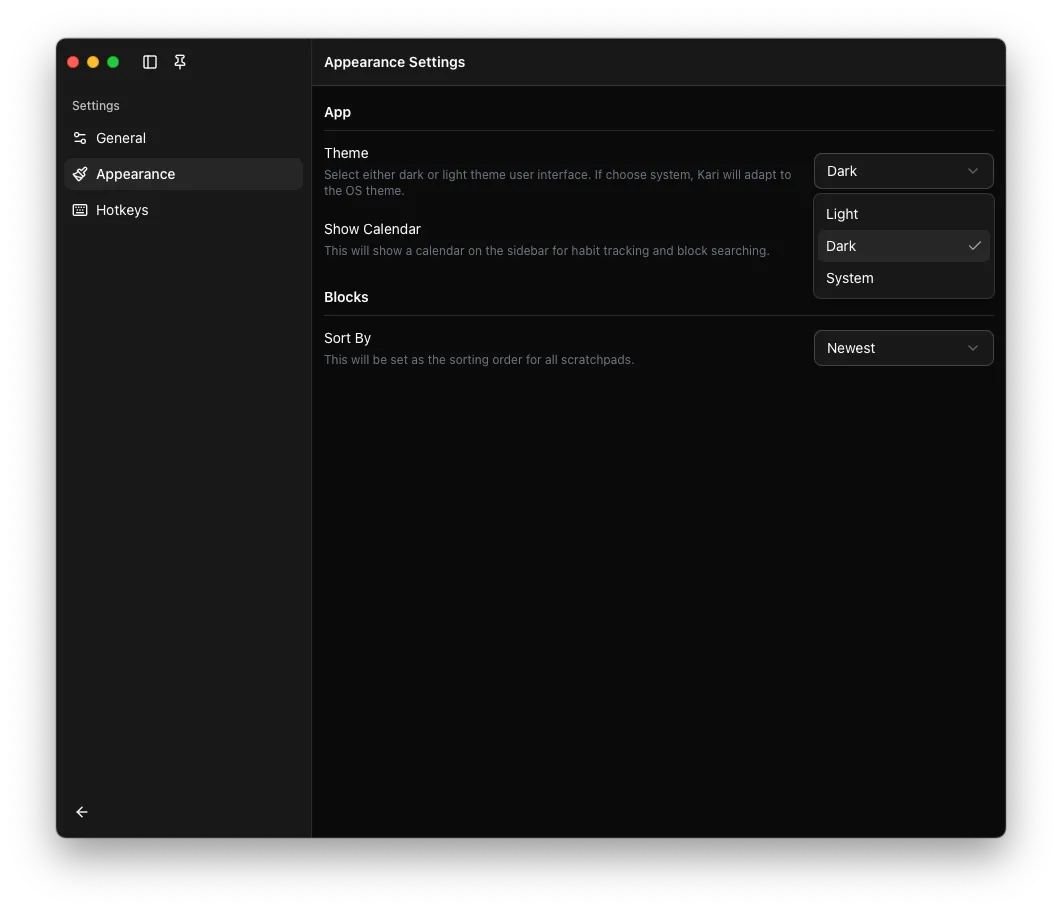
Kari now support switching between:
You can customise this in “Appearance” tab in settings.
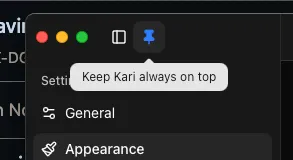
Now you can keep Kari always on top by clicking the pin on the top left, next to the collapse sidebar toggle!
Kari window size & sidebar open status are now automatically remembered and will be applied the next time Kari is run.
It was great soft-launching Kari on Reddit. We received many great suggestions and are very grateful that everyone took the time to try out the app!
In this release we have fixed a few minor bugs and introduced some new exciting features around keyboard shortcuts:
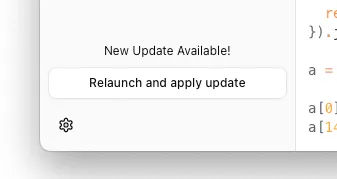
There was an issue where the app seems to do nothing when you hit the install update button. This was because of a permission bug that prevent the app from restarting after updating. So to resolve this issue, you can simply manually restart the app to apply the update.
The bug has been resolved in the latest update v0.2.2, and therefore, in later update, the apply update button will work as expected.

Previously block controls are always present, however, this can make the UI a bit noisy. So we decided to hide the controls by default but it will show up when you hover your mouse on the block:
There is now a new setting entry-Hotkeys. This allow you to customise all
hotkeys in Kari! 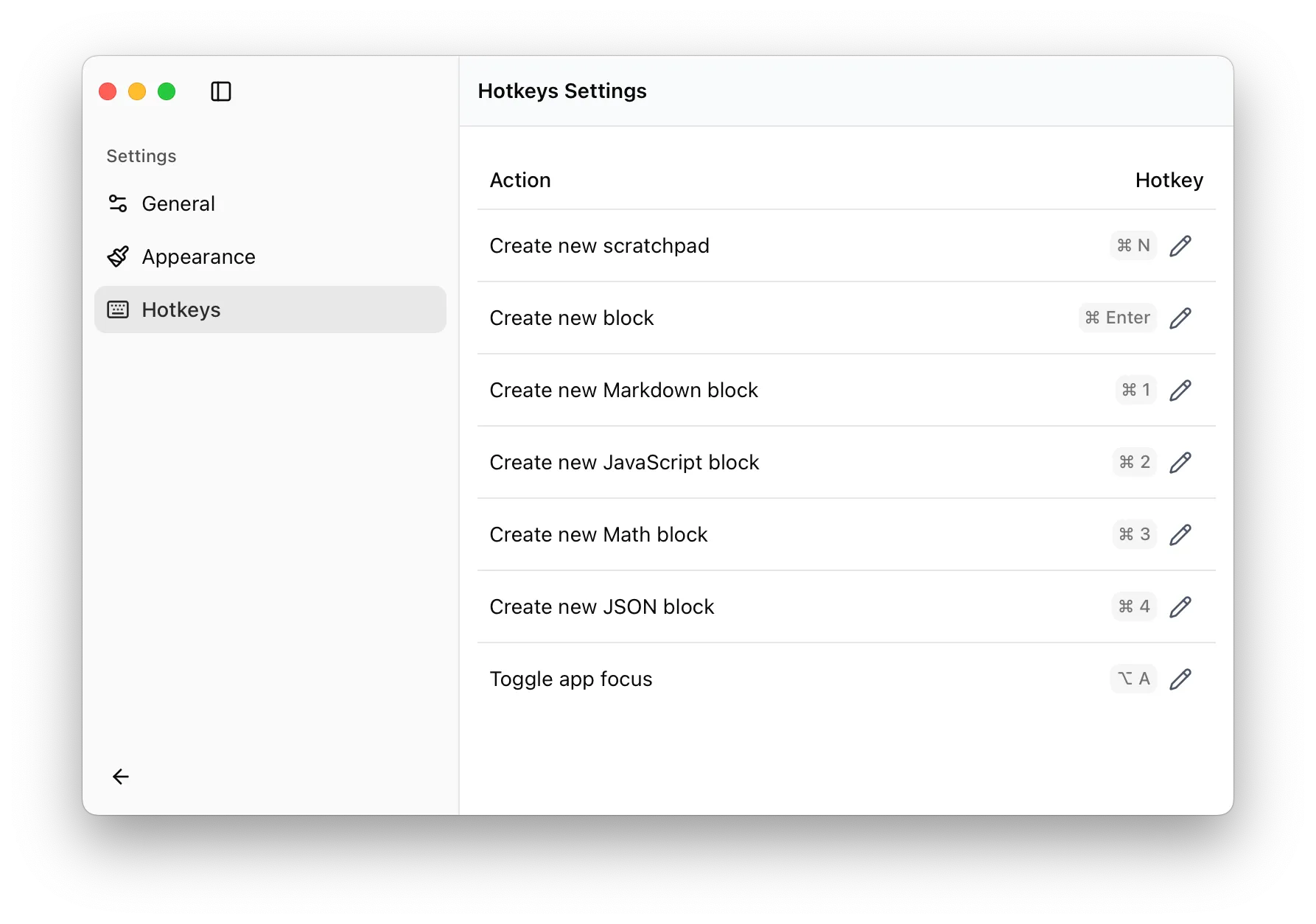
You can now bring Kari to the top (and minimize it) from anywhere using a global
shortcut. This by default is set to Option-A and can be customised in Hotkeys
settings under “Toggle app focus” setting.